Base Plot:
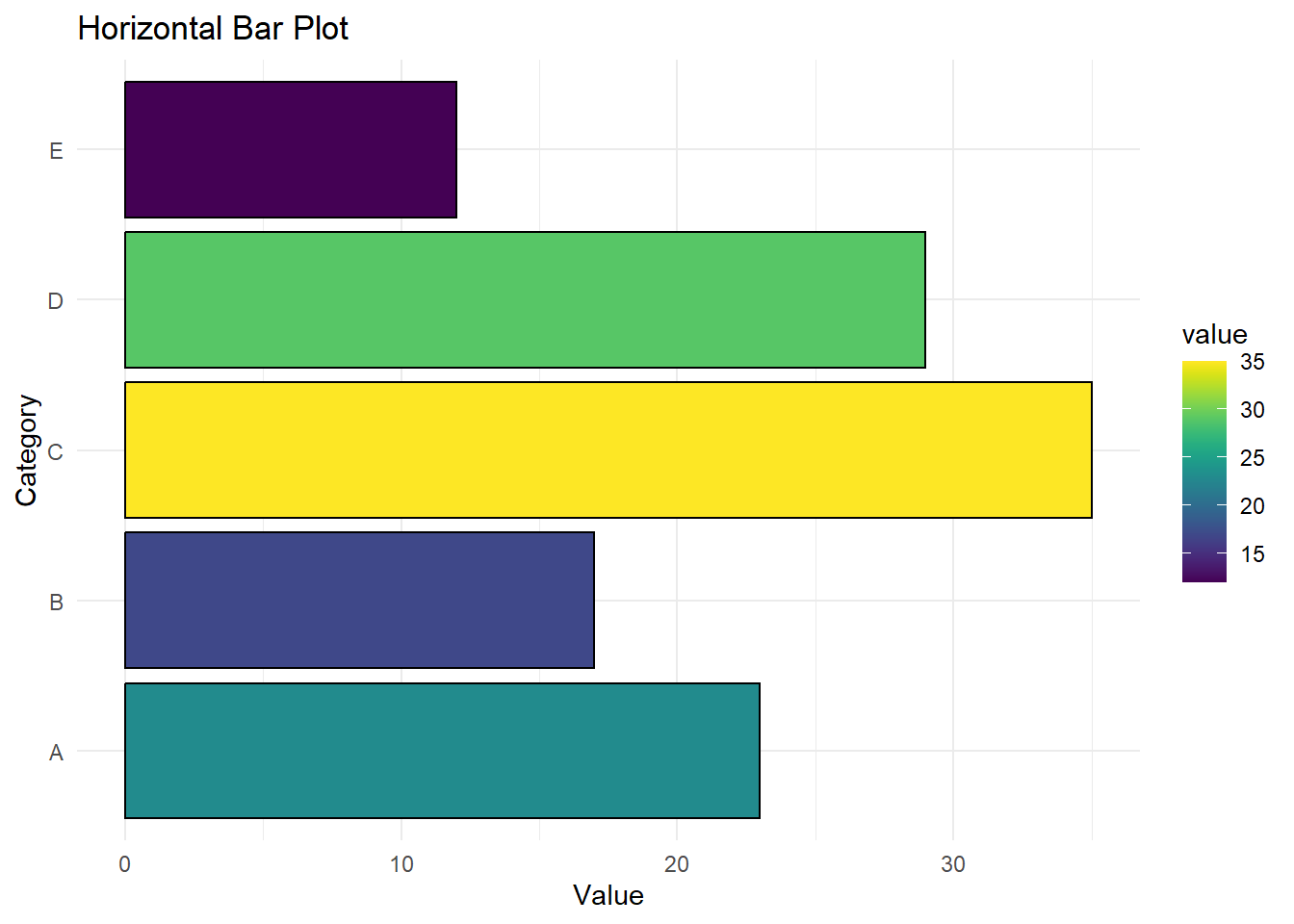
This plot is made using ggplot2 and viridis to give the plot a clean look. No real data is being used in the plot.
# Install packages if needed
# Load libraries
library(ggplot2)
Warning: package 'ggplot2' was built under R version 4.5.2
Cargando paquete requerido: viridisLite
# Example data
data <- data.frame(
  category = c("A", "B", "C", "D", "E"),
  value = c(23, 17, 35, 29, 12)
)

# Horizontal bar plot
ggplot(data, aes(x = category, y = value, fill = value)) +
  geom_bar(stat = "identity", color = "black") +  # "identity" uses y-values directly
  scale_fill_viridis(option = "D") +             # viridis color palette
  labs(
    title = "Horizontal Bar Plot",
    x = "Category",
    y = "Value"
  ) +
  coord_flip() +                                  # flip coordinates to horizontal
  theme_minimal()
Plot with Work Color Palette:
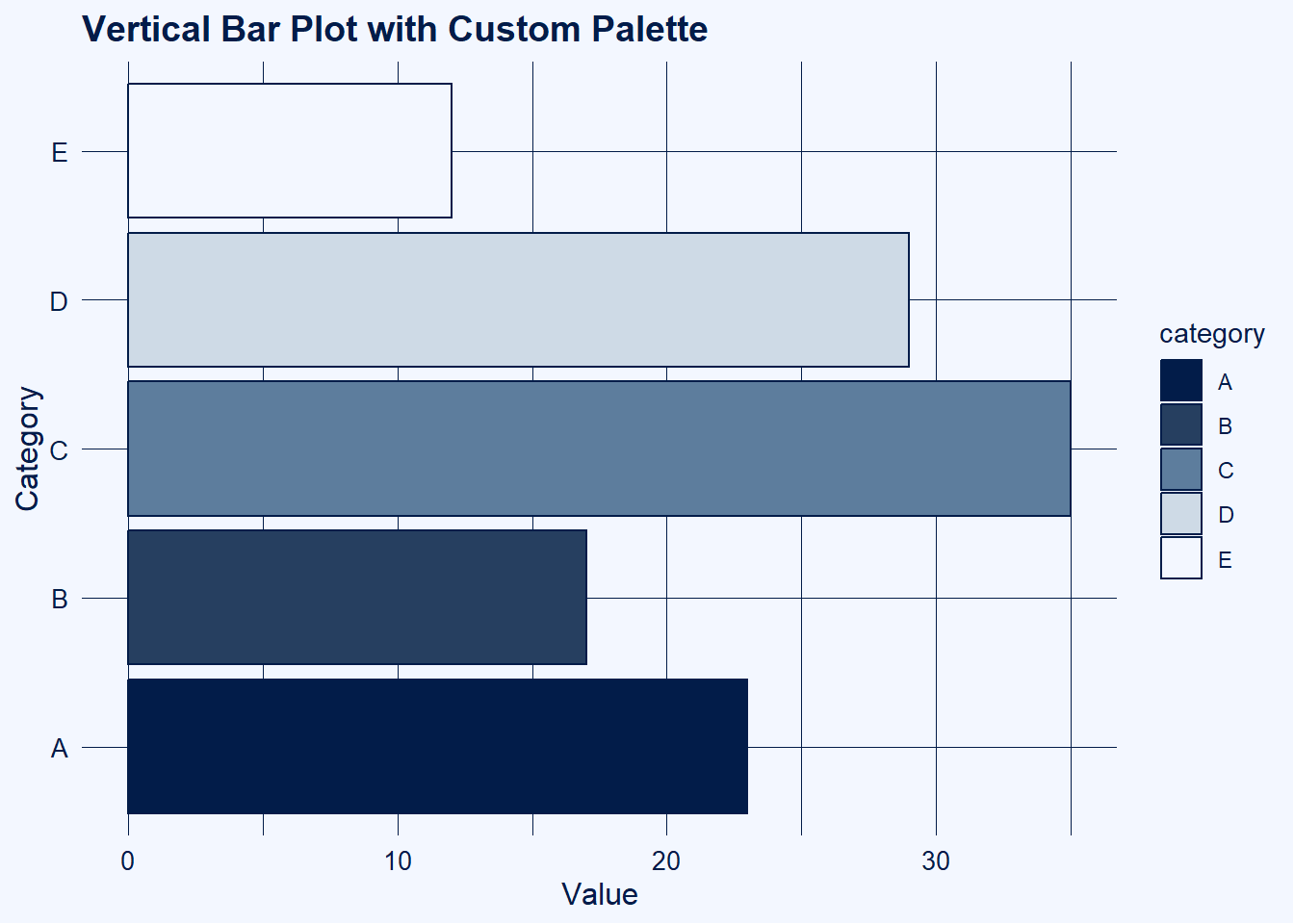
For work, I incorporate a custom palette for my plots.
library(ggplot2)

# Example data
data <- data.frame(
  category = c("A", "B", "C", "D", "E"),
  value = c(23, 17, 35, 29, 12)
)

# Your custom palette
work_viridis <- colorRampPalette(c("#021C49","#1F3657","#3C5C7C",
                                   "#7FA0C0", "#E9EEF3", "#F3F7FF"))
# Assign bar colors separately **before** ggplot
bar_colors <- work_viridis(nrow(data))  # one color per category

# Vertical bar plot using custom palette
ggplot(data, aes(x = category, y = value, fill = category)) +
  geom_bar(stat = "identity", color = "#021C49") +  # bars outlined in darkest color
  scale_fill_manual(values = bar_colors) +         # assign discrete colors to bars
  labs(
    title = "Vertical Bar Plot with Custom Palette",
    x = "Category",
    y = "Value"
  ) +
  coord_flip() +                                  # flip coordinates to horizontal
  theme_minimal() +
  theme(
    plot.background = element_rect(fill = "#F3F7FF", color = NA),
    panel.background = element_rect(fill = "#F3F7FF", color = NA),
    panel.grid.major = element_line(color = "#021C49", linewidth = 0.3),
    panel.grid.minor = element_line(color = "#021C49", linewidth = 0.1),
    axis.title = element_text(color = "#021C49", size = 12),
    axis.text = element_text(color = "#021C49", size = 10),
    plot.title = element_text(color = "#021C49", size = 14, face = "bold"),
    legend.title = element_text(color = "#021C49"),
    legend.text  = element_text(color = "#021C49")
  )
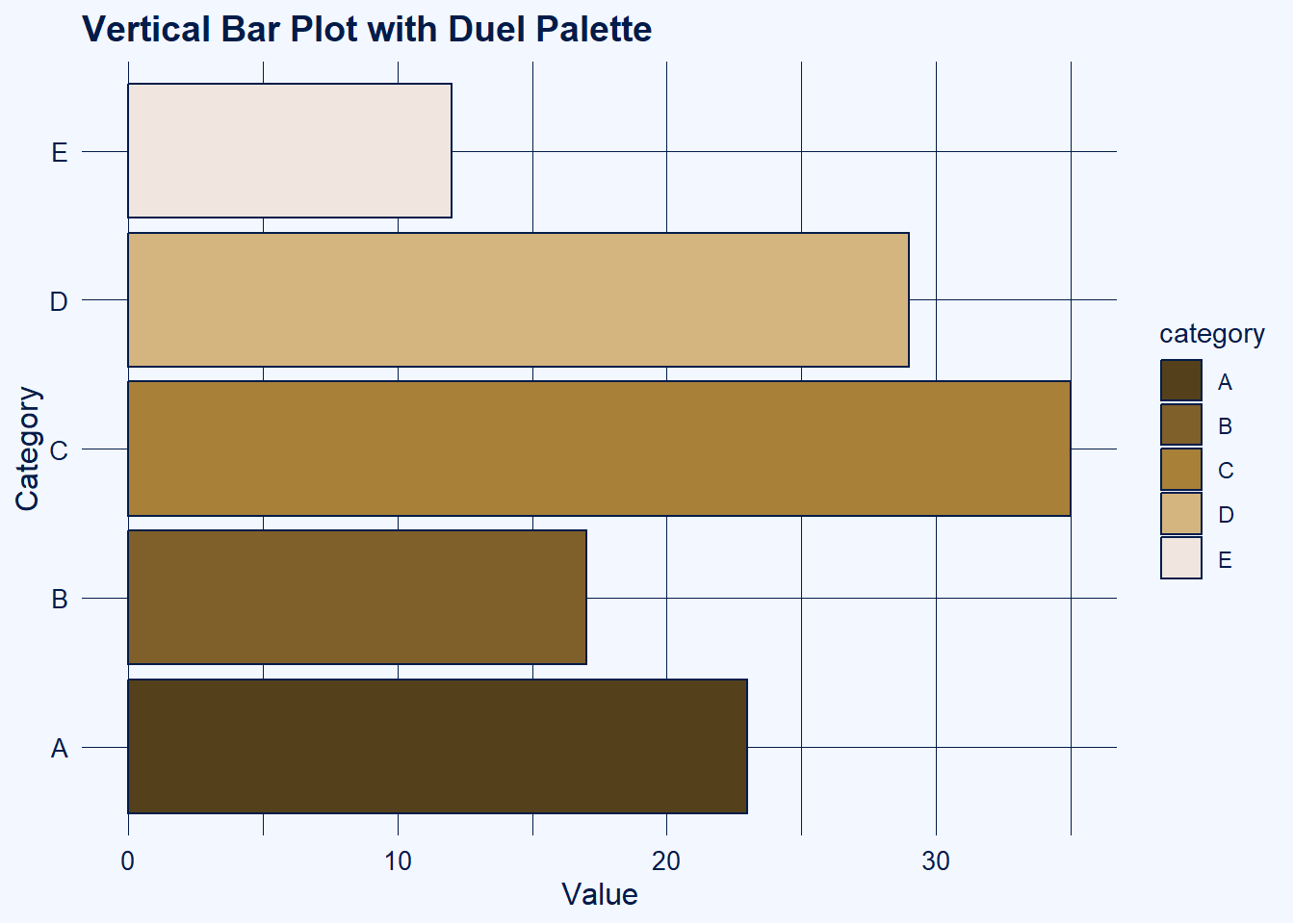
Plot with Primary & Secondary Work Palettes to Create Contrasts:
library(ggplot2)

# Example data
data <- data.frame(
  category = c("A", "B", "C", "D", "E"),
  value = c(23, 17, 35, 29, 12)
)

# Palette for the theme
work_viridis <- colorRampPalette(c("#021C49","#1F3657","#3C5C7C",
                                   "#7FA0C0", "#E9EEF3", "#F3F7FF"))
theme_colors <- work_viridis(256)

# Separate palette for the bars
work2_viridis <- colorRampPalette(c("#55401C", "#7f602A", "#A98038","#D4B57F","#F1E6Df"))
bar_colors <- work2_viridis(nrow(data))  # one color per category

# Define theme colors
bg_light <- theme_colors[256]  # lightest color
line_dark <- theme_colors[1] # darkest color

# Vertical bar plot with discrete bar colors
ggplot(data, aes(x = category, y = value, fill = category)) +
  geom_bar(stat = "identity", color = line_dark) +
  scale_fill_manual(values = bar_colors) +  # assign discrete colors
  labs(
    title = "Vertical Bar Plot with Duel Palette",
    x = "Category",
    y = "Value"
  ) +
  coord_flip() +
  theme_minimal() +
  theme(
    plot.background = element_rect(fill = bg_light, color = NA),
    panel.background = element_rect(fill = bg_light, color = NA),
    panel.grid.major = element_line(color = line_dark, linewidth = 0.3),
    panel.grid.minor = element_line(color = line_dark, linewidth = 0.1),
    axis.title = element_text(color = line_dark, size = 12),
    axis.text = element_text(color = line_dark, size = 10),
    plot.title = element_text(color = line_dark, size = 14, face = "bold"),
    legend.title = element_text(color = line_dark),
    legend.text  = element_text(color = line_dark)
  )